Multi-store
See your stores together. Keep each location clear.
Connect sales, stock and staff workflows across your locations in Handler.
From individual stores to an owner’s view.
1
Review locations
Choose the store or warehouse you need to inspect.
2
Compare the work
Review available sales and stock measures by location.
3
Act on the records
Open the underlying documents before changing stock or purchasing decisions.
Keep stock and purchasing in context.
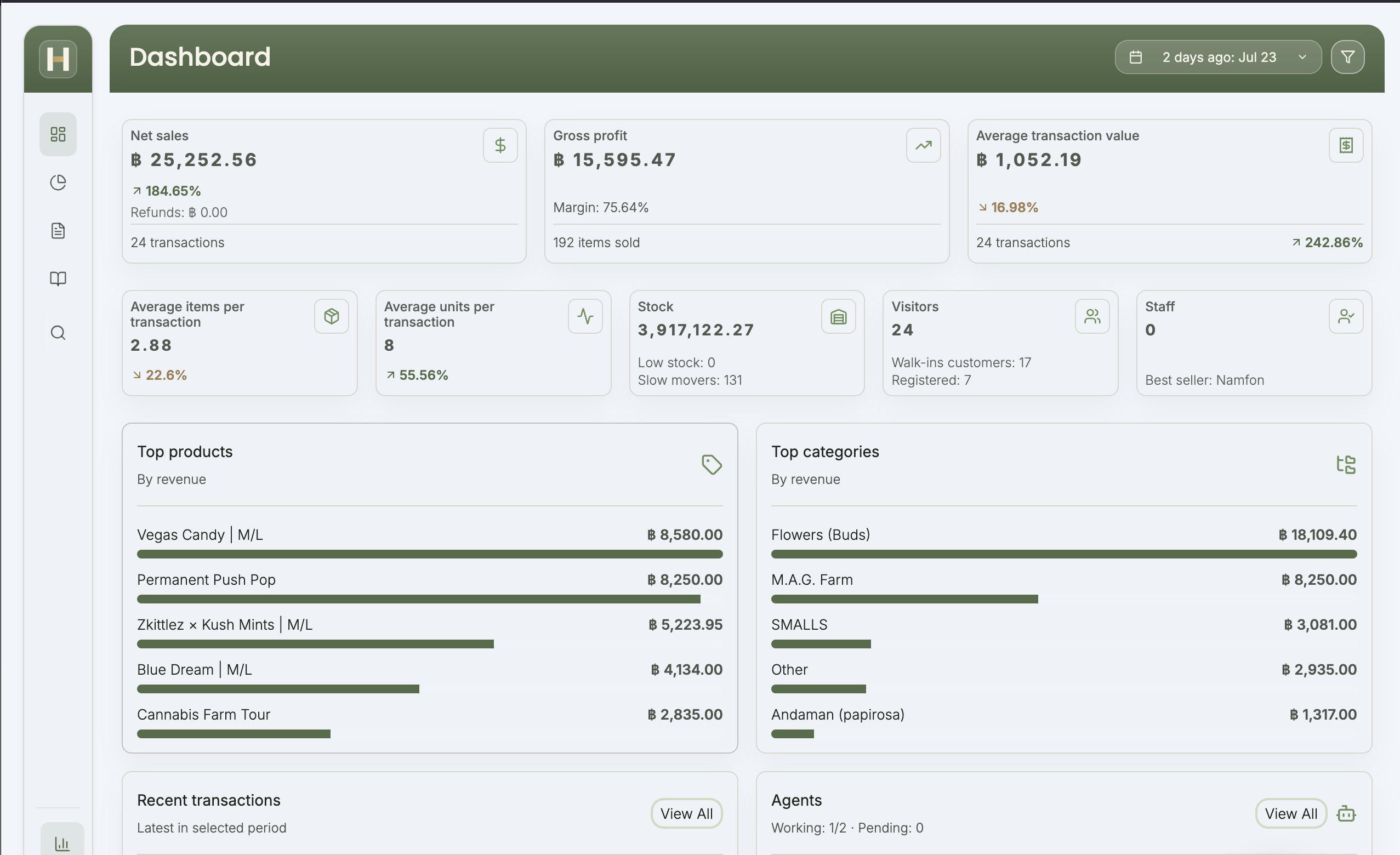
Stock by location
Review inventory in the relevant store or warehouse.
Supplier orders
Prepare purchasing documents using your product and supplier records.
Stock movements
Follow supported inventory movements through their source documents.
Team visibility
Review staff and payroll information within the access you grant.
Several legal entities? Keep the distinction visible.
Handler supports company-specific documents within a connected business context. Confirm the setup that matches your legal entities and accounting workflow.
Related workflows
Bring your locations into one working picture.
Explore the multi-store setup and the plan that fits your operation.
FAQ
- Is a store the same as a company?
- No. A location and a legal entity serve different purposes. Your setup should reflect both your operations and company-specific records.
- Can every employee see every store?
- Access follows the permissions configured in Handler. Confirm role and location access during setup.
- Are more stores included in every plan?
- Check the current pricing and entitlements before adding locations.