A POS for your store. A back office when you need it.
Manage checkout, products and stock in Handler, with connected tools for the work behind the counter.
Keep the sale moving.
Show the product, build the basket and complete the sale in the same checkout screen.
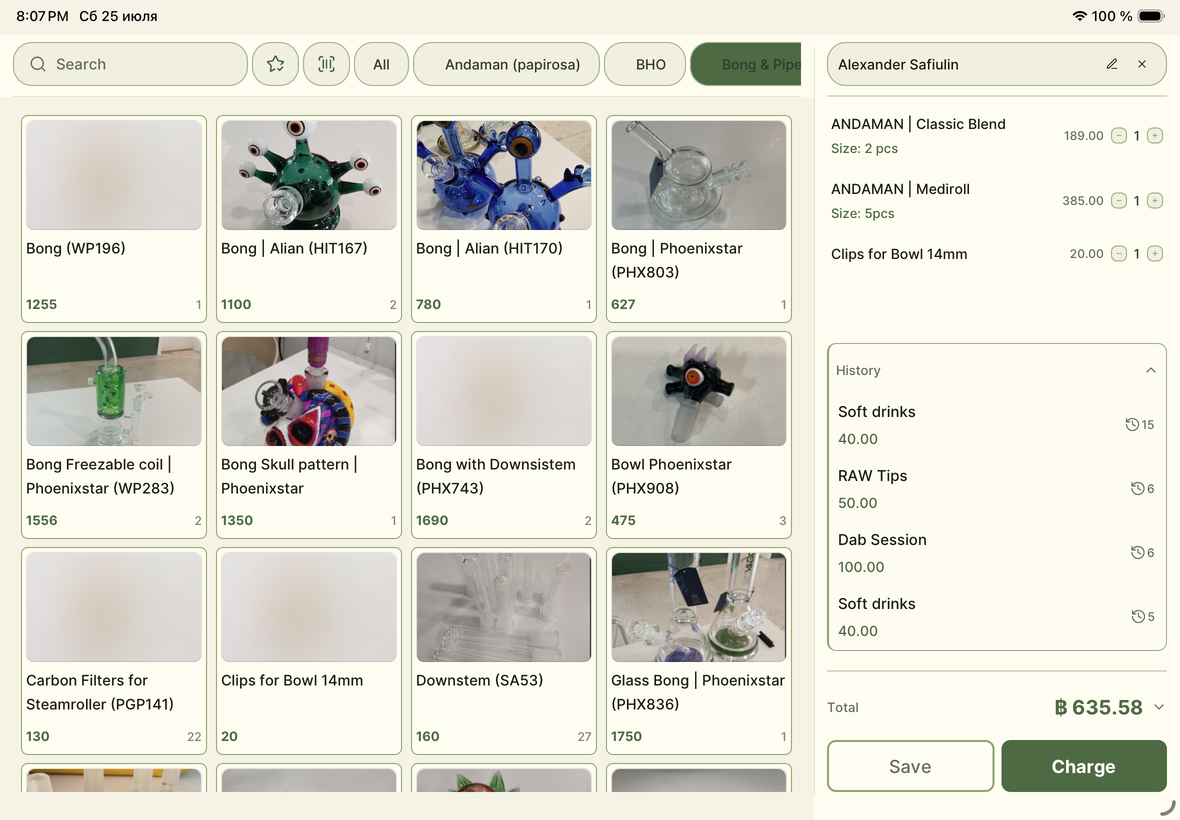
Products & variants
Find the right product and select its available options.
Customer history
Review past purchases when a customer is linked to the sale.
Checkout & payment
Record the payment using the methods configured for your store.
Stock visibility
Check the stock information available to the checkout workflow.
Give your sellers useful context.
Bring customer history and configured selling rules closer to the moment of sale.
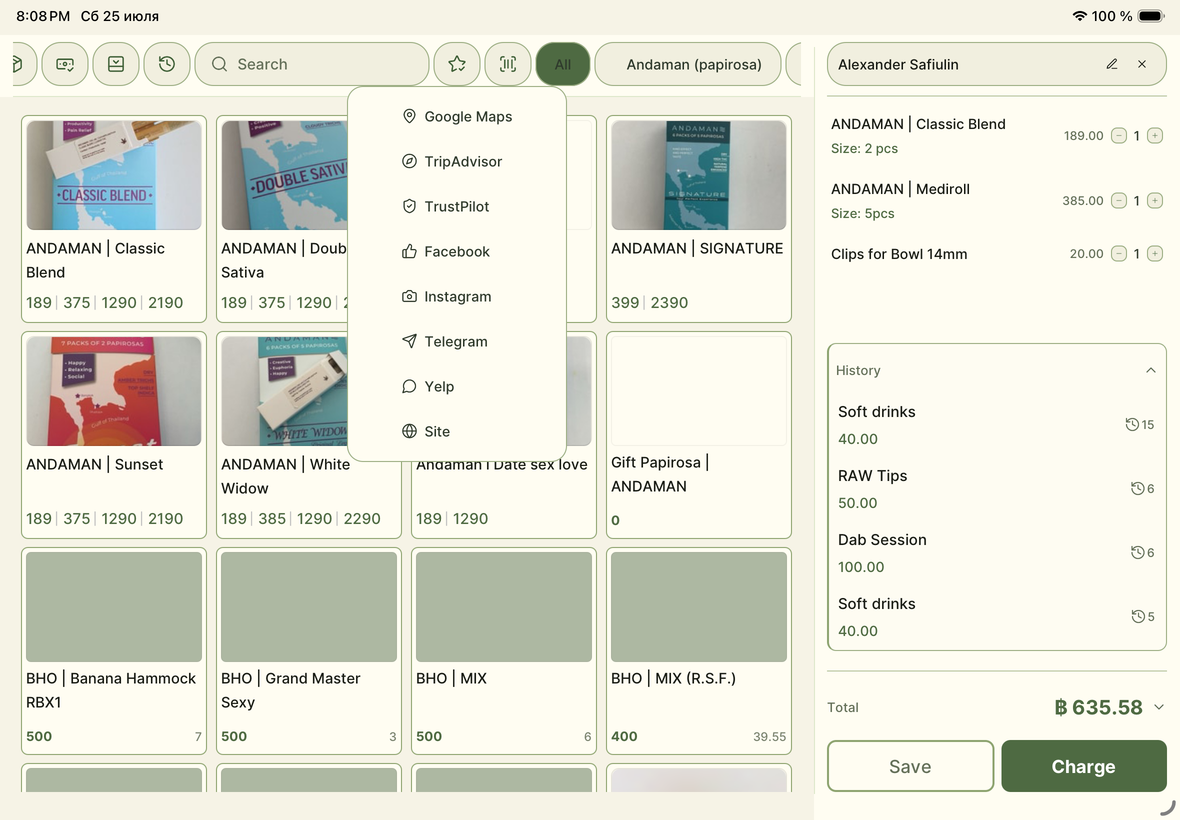
Relevant recommendations
Show supported product suggestions while the basket is being built.
Bundles & offers
Apply configured offers and bundles in the checkout workflow.
After-sale actions
Prompt the next supported action after payment, such as a review request.
Keep the records behind the sale connected.
Review sales and product records in BackOffice. Explore purchasing, expenses and payroll when you need a broader workflow.
Explore what comes next
See how Handler fits your store.
Start with checkout and compare the plan that matches your needs.
FAQ
- What is included in Free POS?
- Check the current plan comparison for store, user and feature limits. Free POS does not include every Handler feature.
- Can I bring in my existing catalog?
- Ask us about the import path for your current file or system. Review imported records before using them in operations.
- Which devices and payment methods can I use?
- Compatibility depends on your device, region and payment setup. Confirm the supported configuration before switching your store.